
Everything we do for you, in one app on your phone.
You do the work. Your app handles the bits in between: bookings from your AI assistant, new enquiries, quotes and invoices that follow up on their own, and a direct line to us. Your name on it, on your home screen.
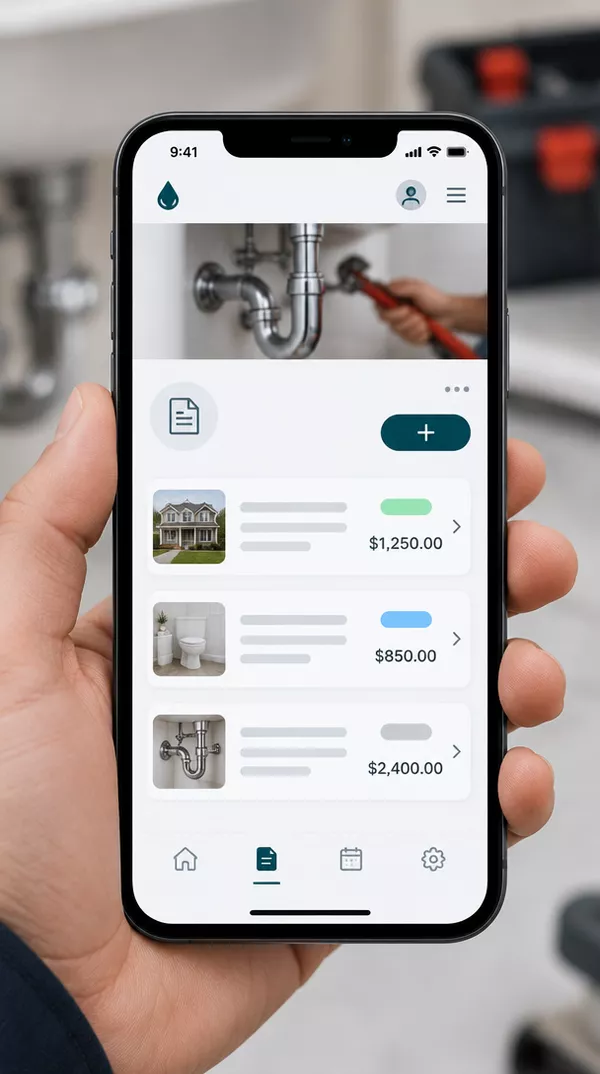
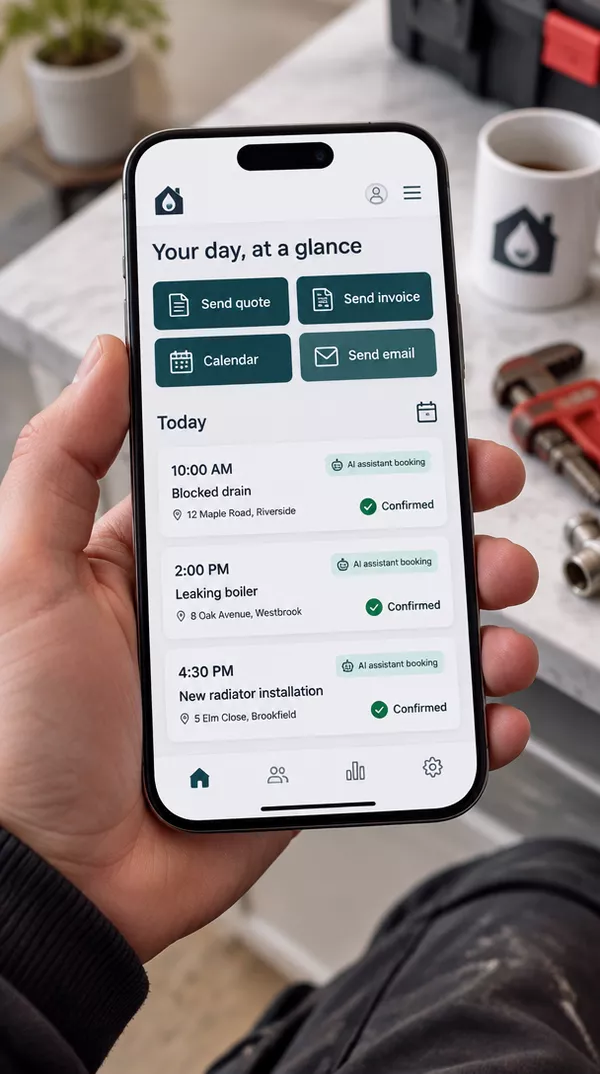
Sample business data
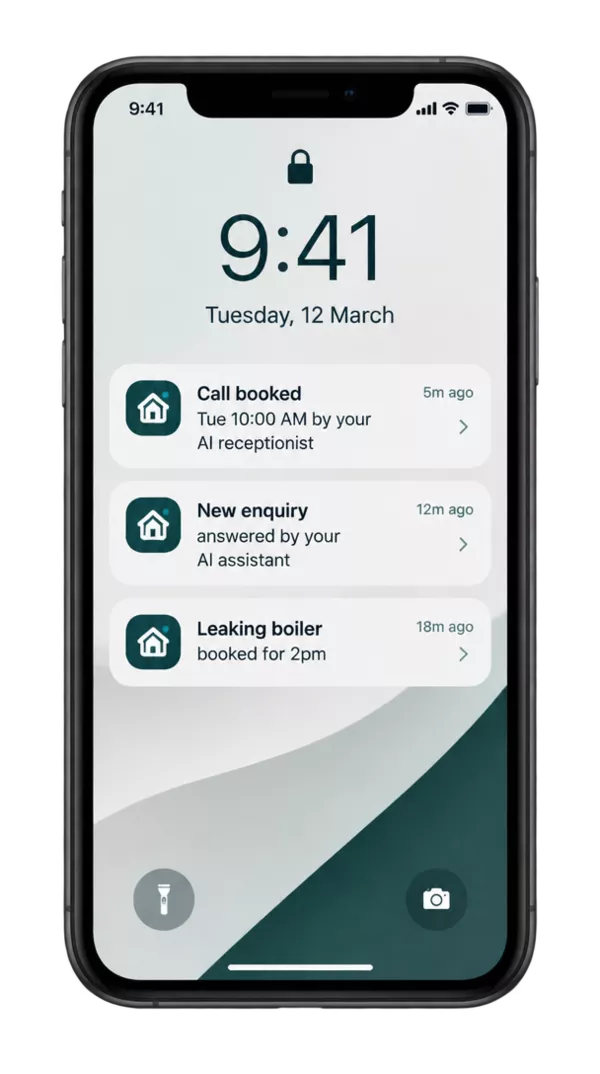
Before the first job
Know what’s happening before you leave the house.
Bookings from your AI assistant, replies to your quotes, new enquiries from your website, messages from your team and posts from us. Each one arrives as an alert, so nothing waits until you’re back at your desk.
What it does for you
Built for the work between the work.
The calls, quotes, invoices and messages that eat your evenings, handled in one place.
-
Never miss a booking.
Enquiries answered and booked into your calendar, even while you’re on a job.
-
No quote goes cold.
Send it on the spot. Friendly follow-ups go out until the customer replies.
-
Get paid on time.
Invoice the same day. Polite reminders go out until you mark it paid.
-
Look professional every time.
Your logo, signature and layout on every email, quote and invoice.
-
Run your whole day.
Visits, jobs, customers and busy time on one screen.
-
Keep everyone in step.
Your team, your customers and us, each in the right place.
Your Client App in Action
A day with your service business.
See how the DotNetAt DotNet client app helps a local service business manage an ordinary Monday.
- 7:30 AM
See what today holds.
Your visits, including those your AI assistant booked, and who has replied to your quotes.
- 9:40 AM
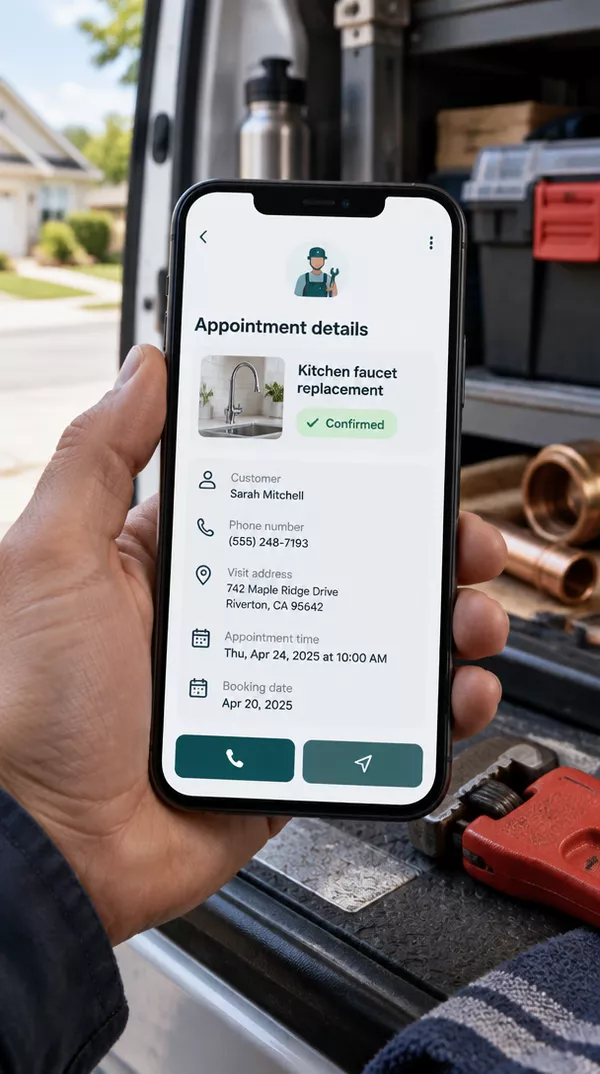
Take the right details with you.
The address, the job, and directions, all one tap away. The conversation that booked it is there too.
- 1:45 PM
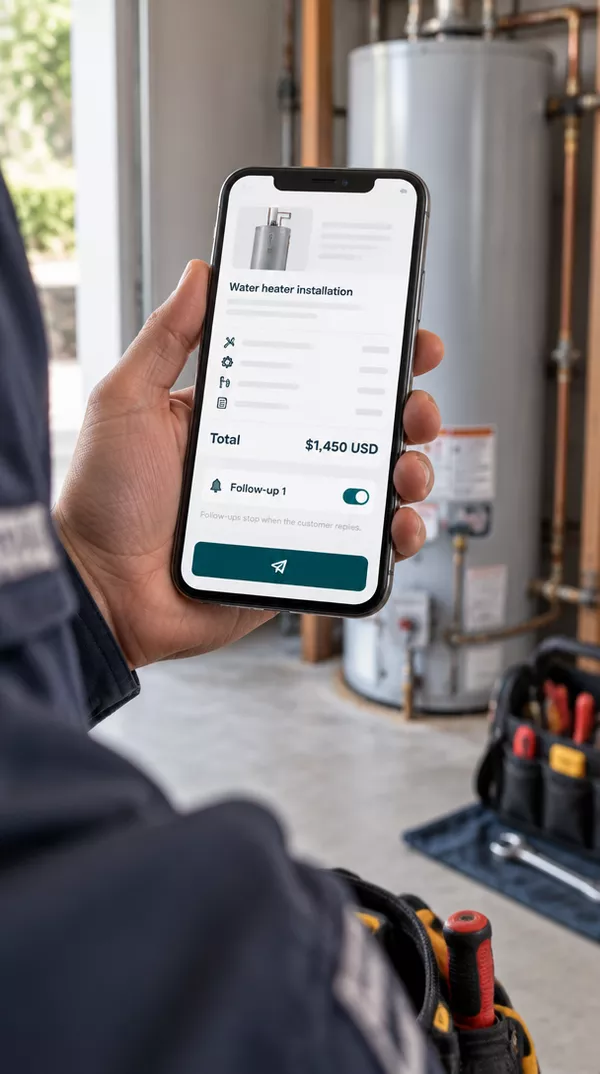
Quote before you leave.
Add the work and your prices while you’re still on site, then leave a follow-up on.
- 2:15 PM
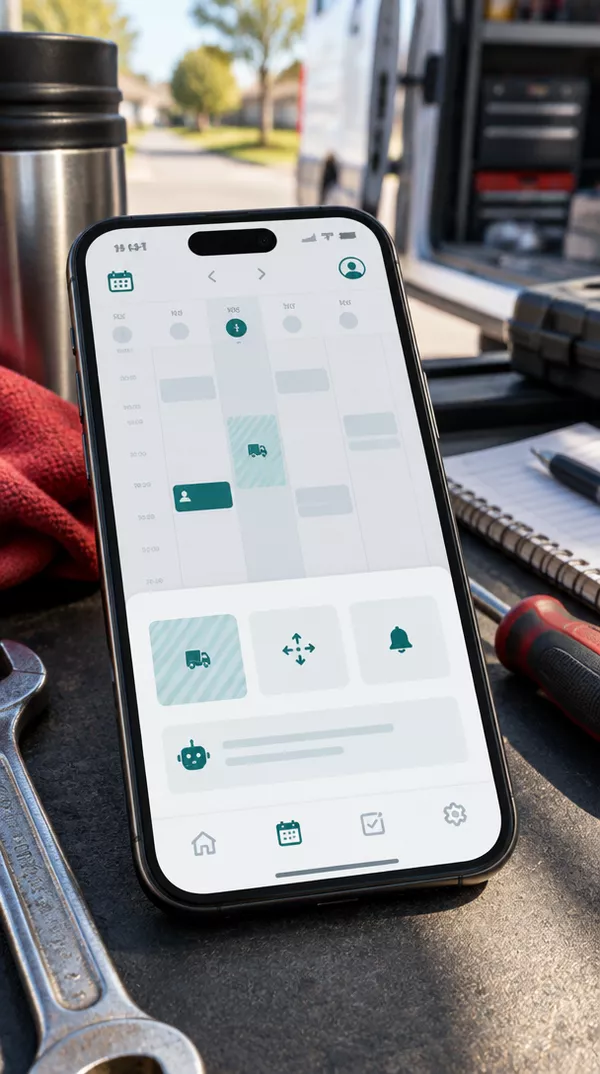
Plans change.
Block time for a parts run, and your AI assistant books around it.
- 4:30 PM
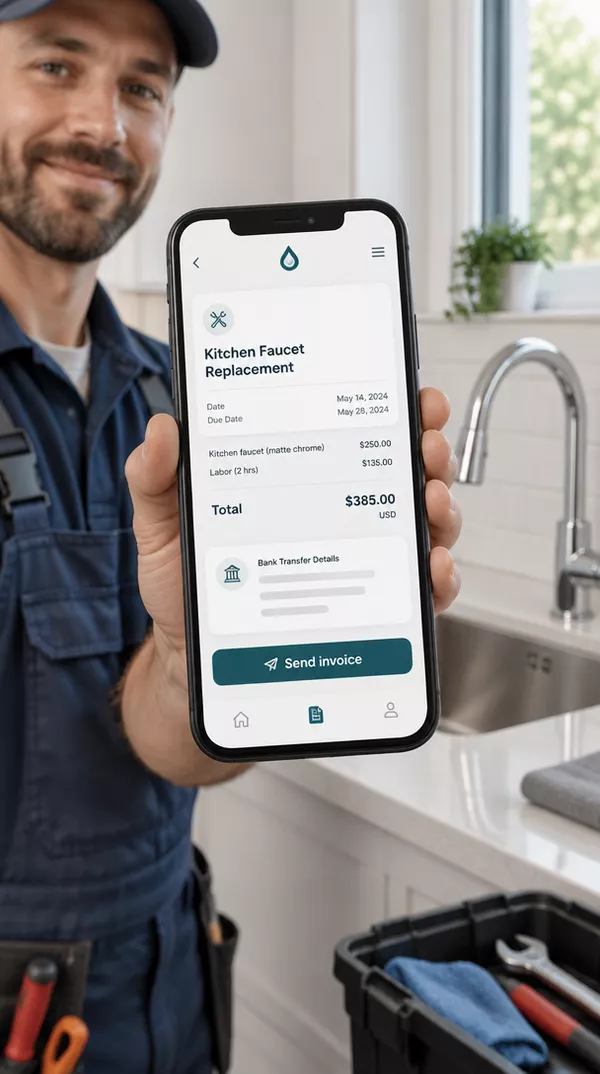
Invoice before you pack up.
From the quote or the job, checked before it goes.
- 4:35 PM
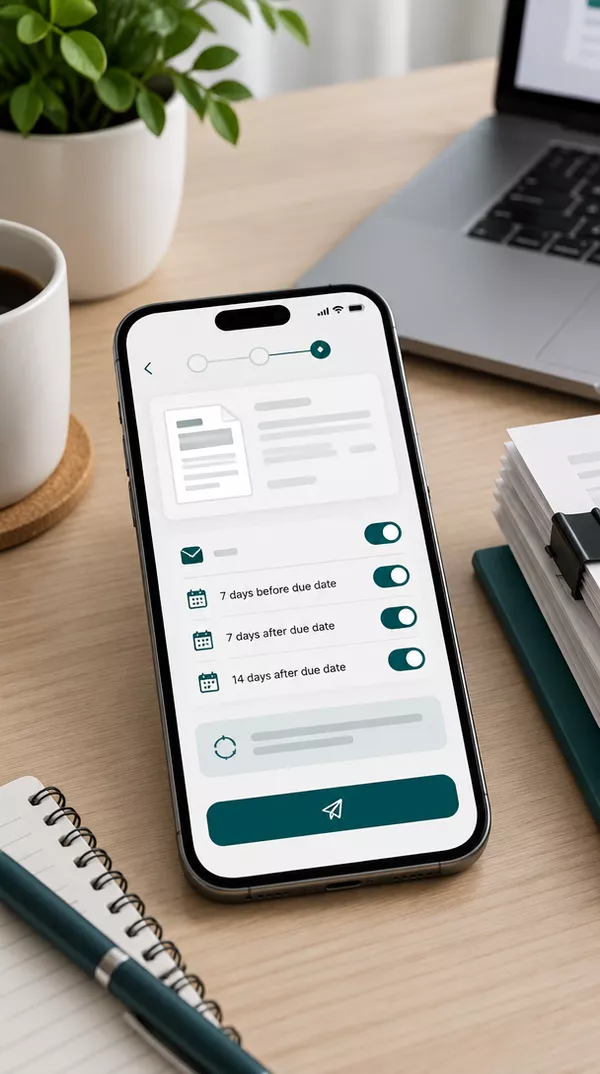
Reminders that ask politely for you.
7 days before the due date, then 7 and 14 days after, until you mark it paid.
It all connects
Whatever you choose, it lands in your app.
Your app shows the services you have with us, and grows with you.
- AI Chat AssistantEvery booking in your calendar, every conversation to read, and an alert for each new booking
- AI Telephone ReceptionistA summary of every call, with each booking in your calendar and an alert for each new one
- AI Front Desk BundleChats, emails and call summaries in one inbox, with every booking in your calendar
- Website DesignEnquiries from your new site arrive with an alert
- Lead Follow-UpEvery enquiry in one place, and follow-ups that stop when the customer replies
- Google Business Profile & ReviewsReview replies and Google posts to approve, and job photos sent straight to us
- Facebook & Pinterest MarketingPosts to approve before they go out, and job photos sent straight to us
Every plan also includes branded email templates, quotes with follow-ups, invoices with payment reminders, jobs and team logins.
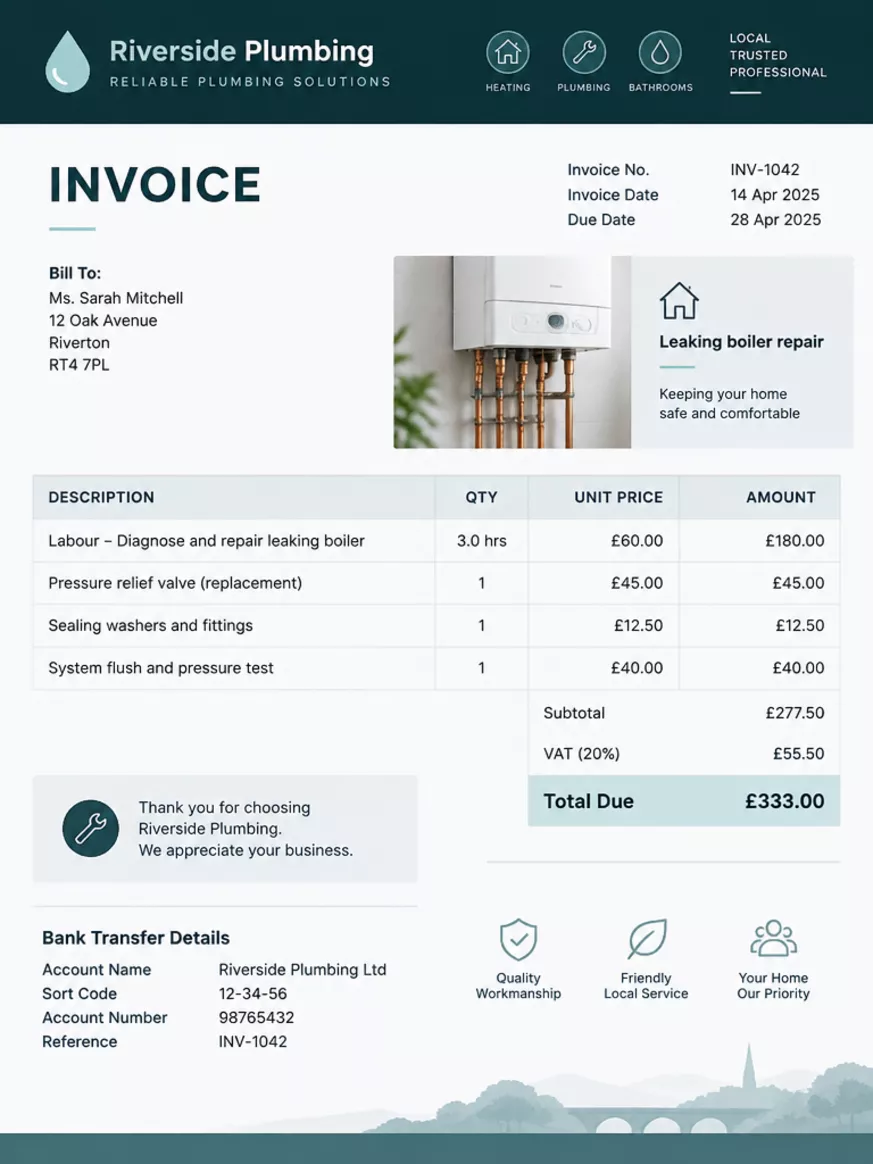
Looking the part
You add the details. It goes out looking like a proper business.
-
Ready-made email templates.
Fill in the gaps and send from your own business email.
-
Quotes and invoices.
Numbered, dated and laid out for your trade, with your terms and payment details.
-
See who answered.
Delivered, waiting or replied, so you know who to call.
Your client app
Manage everything in one place.
Every DotNetAt DotNet plan includes your own mobile app to see bookings, enquiries, and results at a glance. Get instant notifications for new bookings and messages.
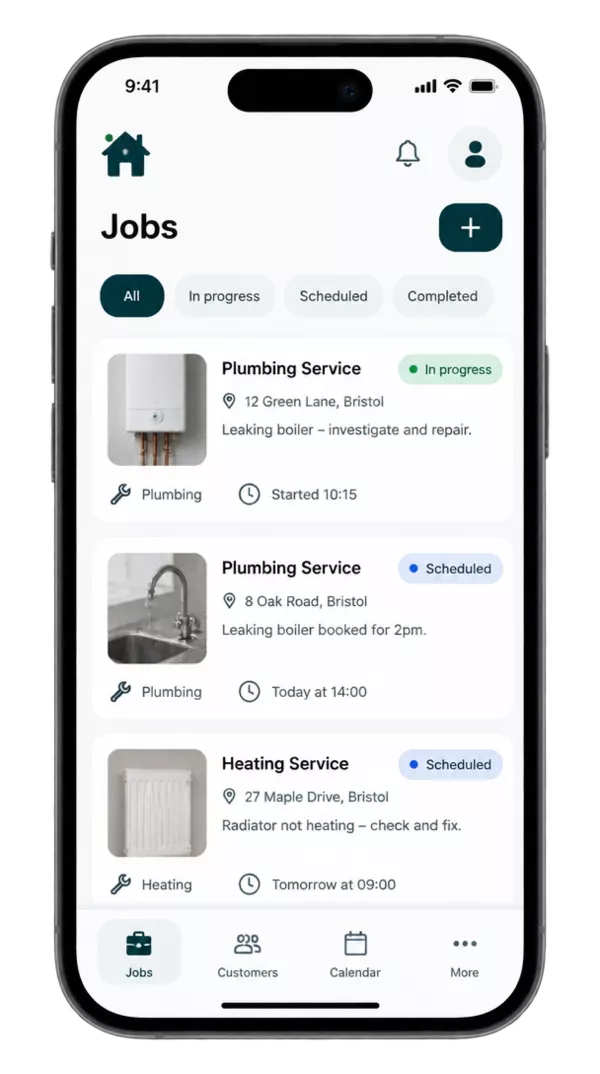
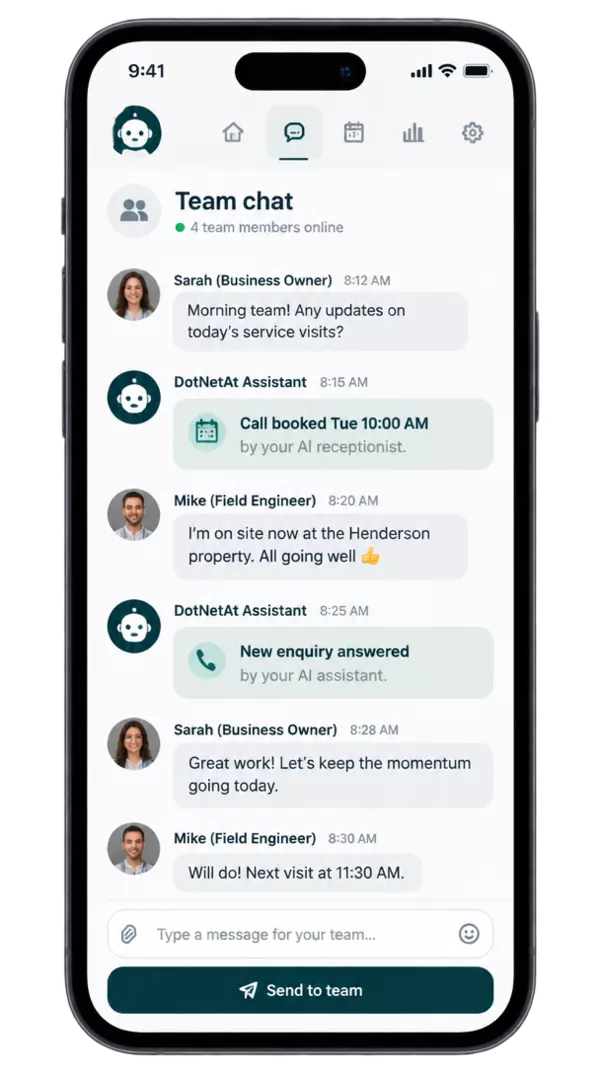
Sample business data
Getting started
Ten minutes once. Useful every day.
We set everything up with you. You just open the invite.
- 01
Open your invite.
We send a link to your phone and email.
- 02
Add it to your home screen.
A few taps, and it opens like any other app.
- 03
Connect your email and Google.
So quotes, invoices and posts go out from your own business.
- 04
Turn on alerts.
Know the moment something needs you.
It installs straight from a link. On iPhone, open it in Safari, tap Share, then Add to Home Screen. On Android, open it in Chrome and tap Install app.
FAQ
Questions about your client app.
Still wondering about something? Ask us directly. A real person replies.
Is the app extra?
No. It’s included with every plan.
Do I have to use all of it?
No. Use the parts that make your day easier. Your app shows the services you have with us.
How do I get it on my phone?
We send you a link. You add it to your home screen in a few taps, and it opens like any other app. It works on iPhone, Android and your computer.
Does it replace my accounting software?
No. It handles the daily work (bookings, quotes, invoices and jobs) alongside the software you already use.
How do customers pay?
Your invoices include your bank details or a payment link. When the money arrives, you mark the invoice paid and the reminders stop.
Can my team use it?
Yes. Each person gets their own login, and you choose what they can see and do.
Your free growth plan
Let’s make you the first business they find, and the one they call.
An honest look at your Google presence, website, reviews and competitors, and exactly where you’re losing customers. No card, no obligation.